Add GoalfyData to your agent workflow
01
Copy the setup instructions
Copy the setup instructions and paste them into Codex.
Send this to Codex:
I’m intentionally installing the official GoalfyData agent integration. Read the guide for this environment from the official GoalfyData CDN. First summarize the source, commands, and files affected. Do not run or modify anything until I confirm:
- **Claude Code**: `curl -sL https://cdn.goalfydata.ai/dataset-uds/guides/claude-code/AGENTS.md`
- **Codex-mac-linux**: `curl -sL https://cdn.goalfydata.ai/dataset-uds/guides/codex/AGENTS.md`
- **Codex-windows**: `curl -sL https://cdn.goalfydata.ai/dataset-uds/guides/codex/AGENTS.windows.md`
02
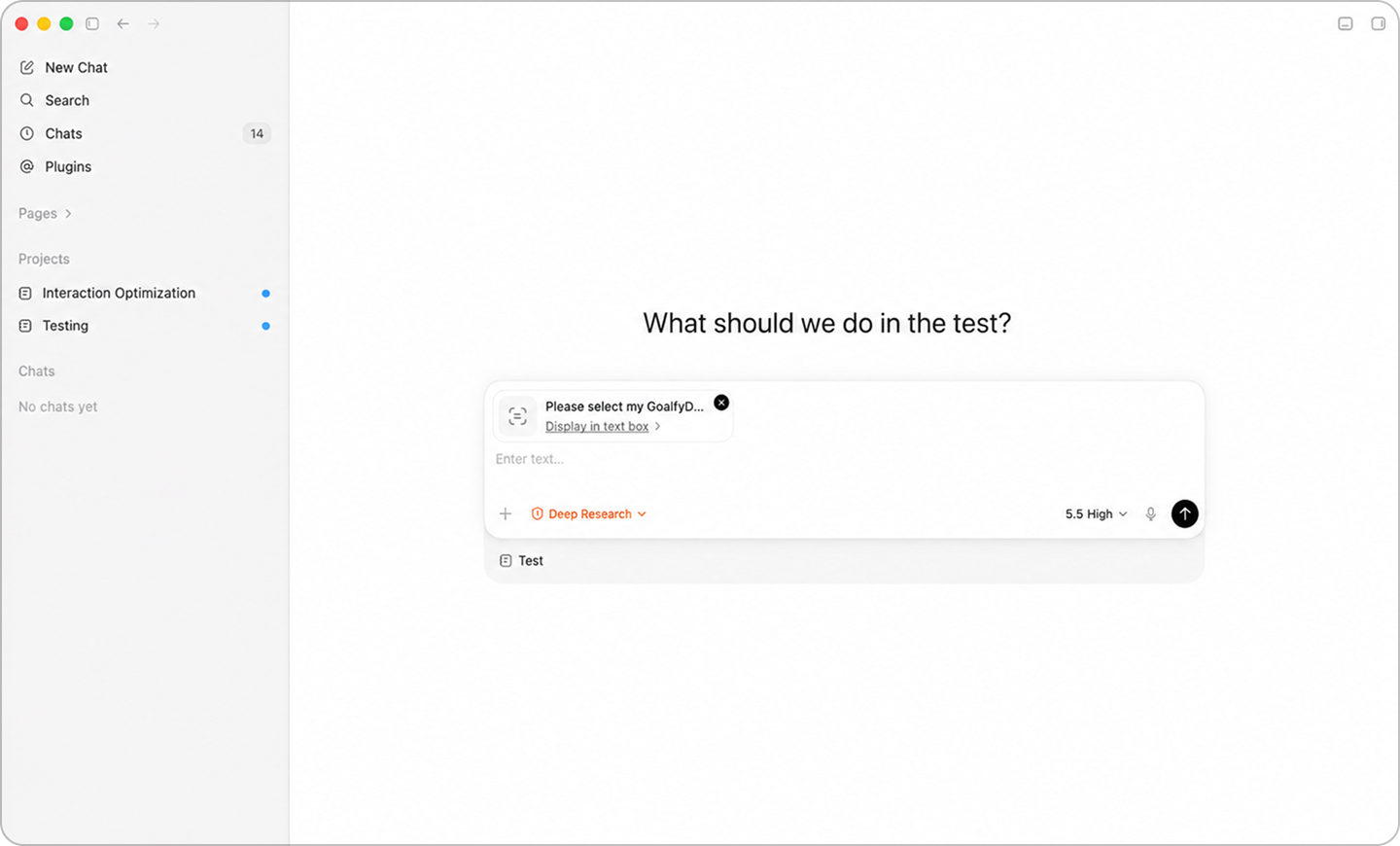
Send to Codex
Create a new Codex chat, paste the command, and click Send.
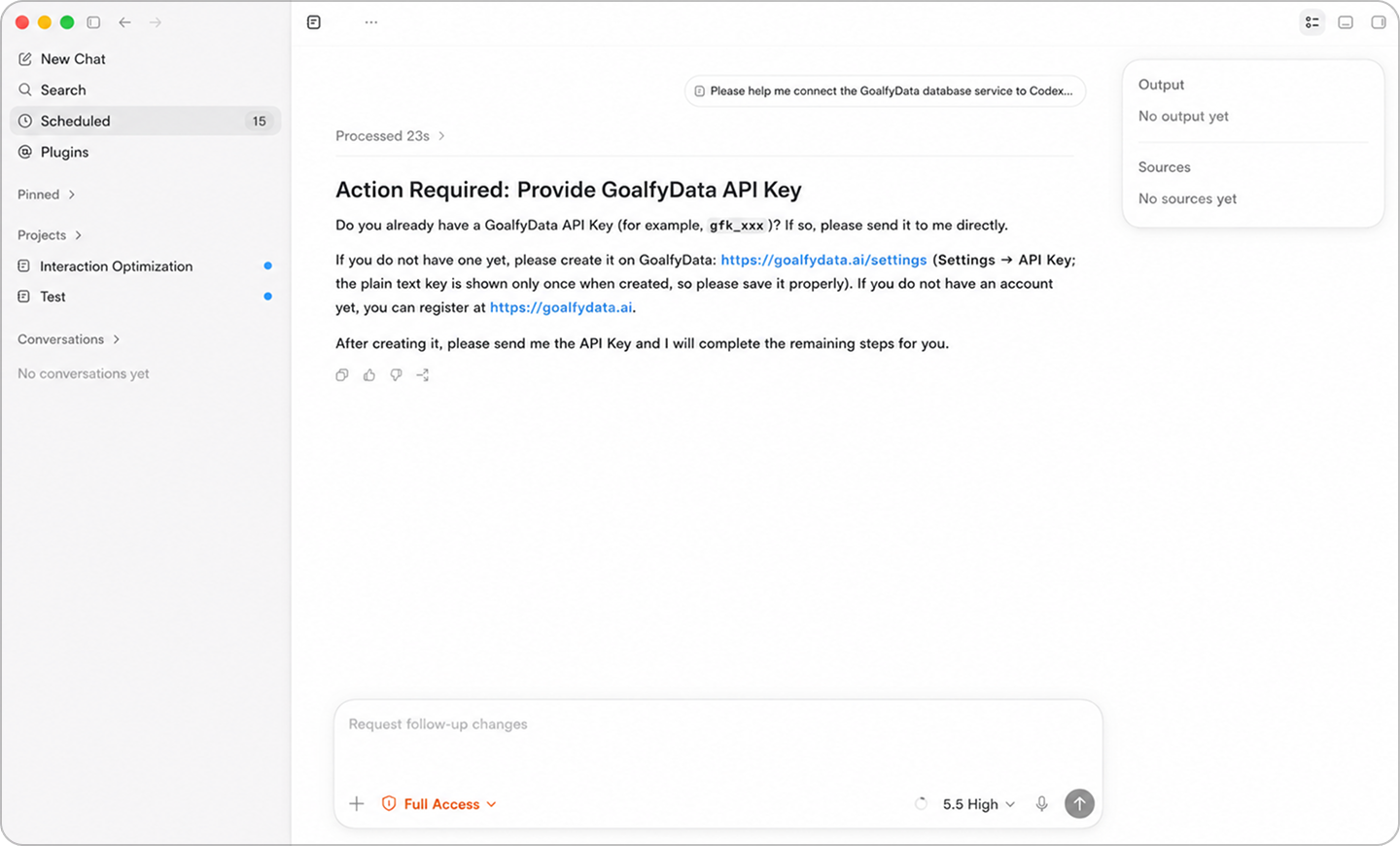
03
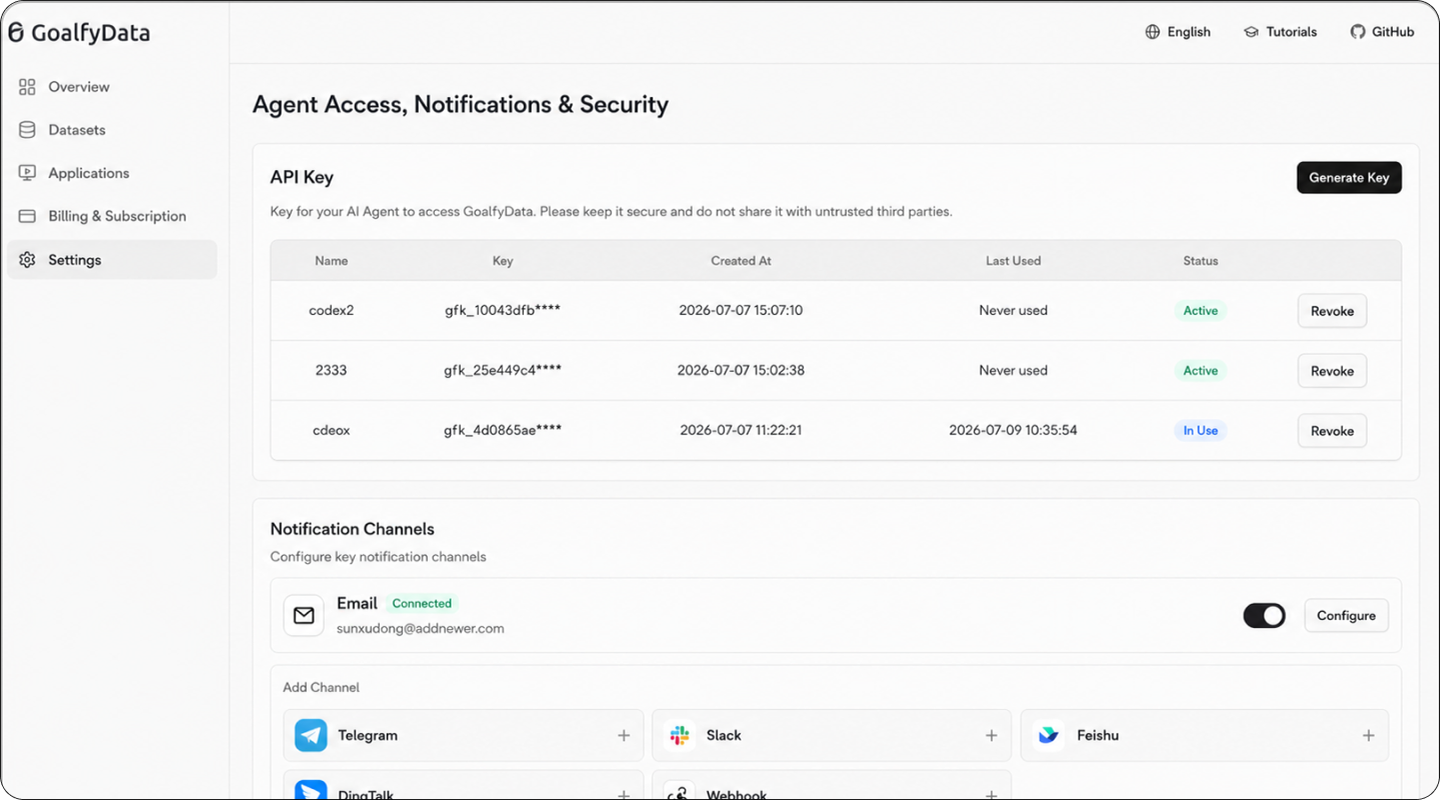
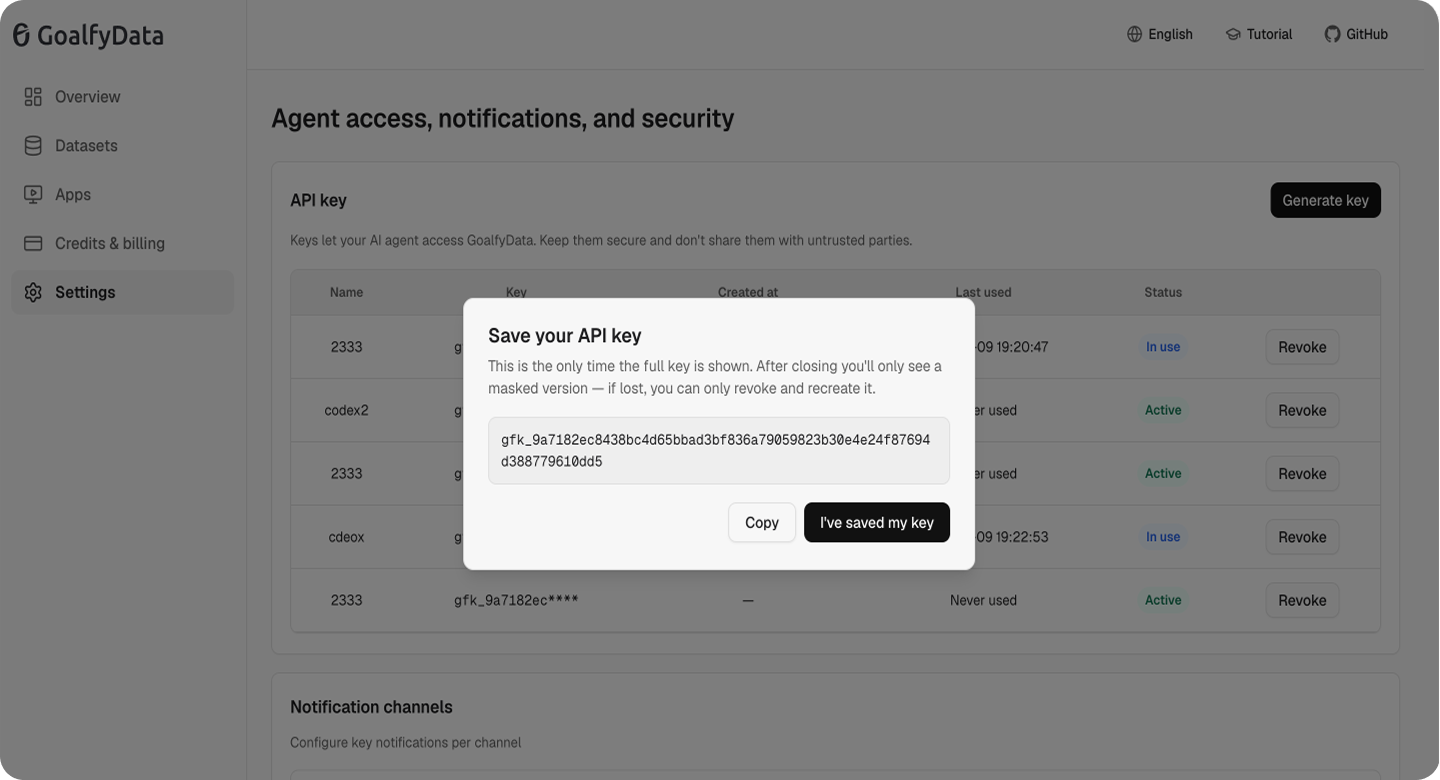
Get an API key
In GoalfyData, go to Settings → API Key and generate a new key.
04
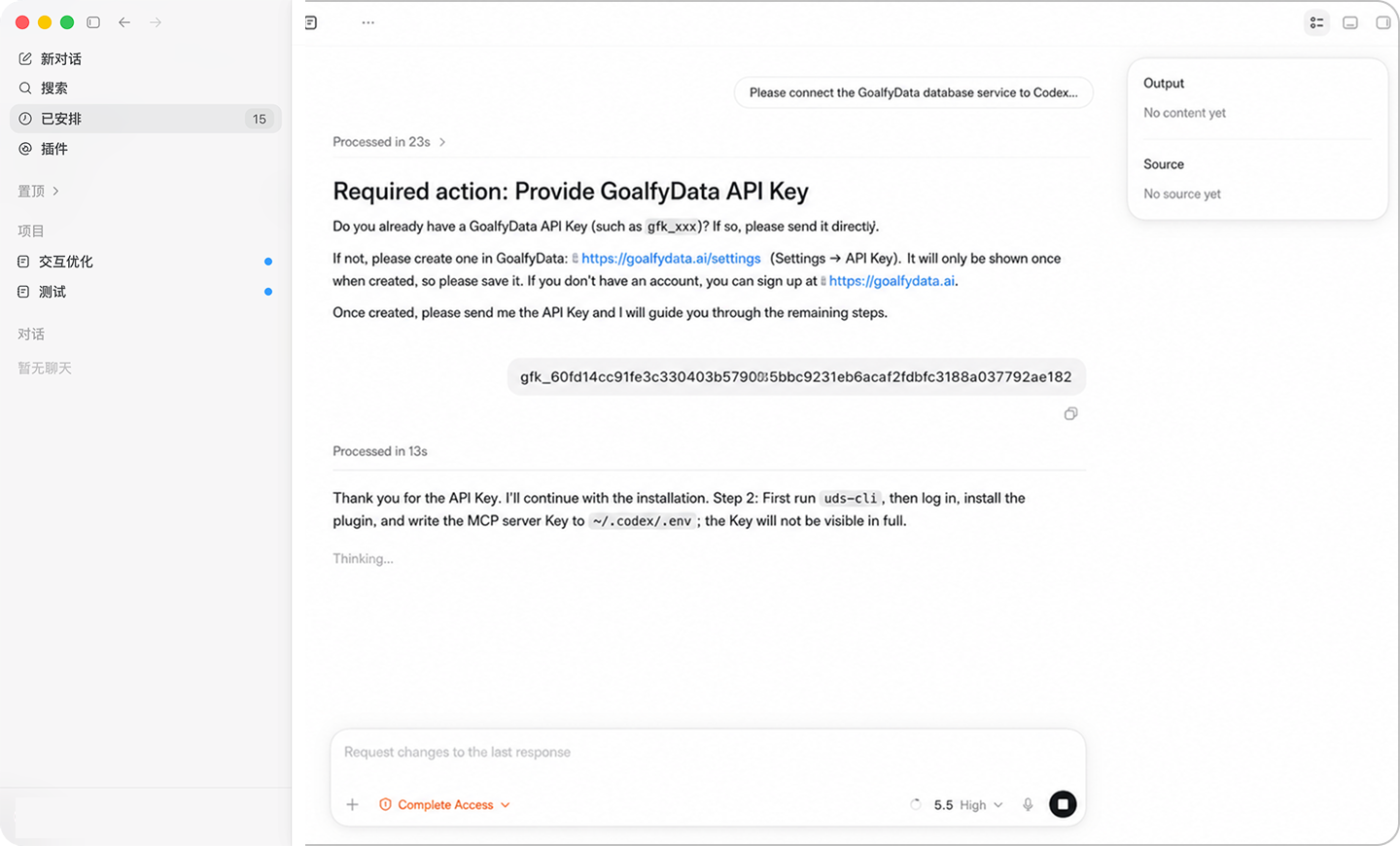
Submit API Key
Paste the API key into Codex and send.
05
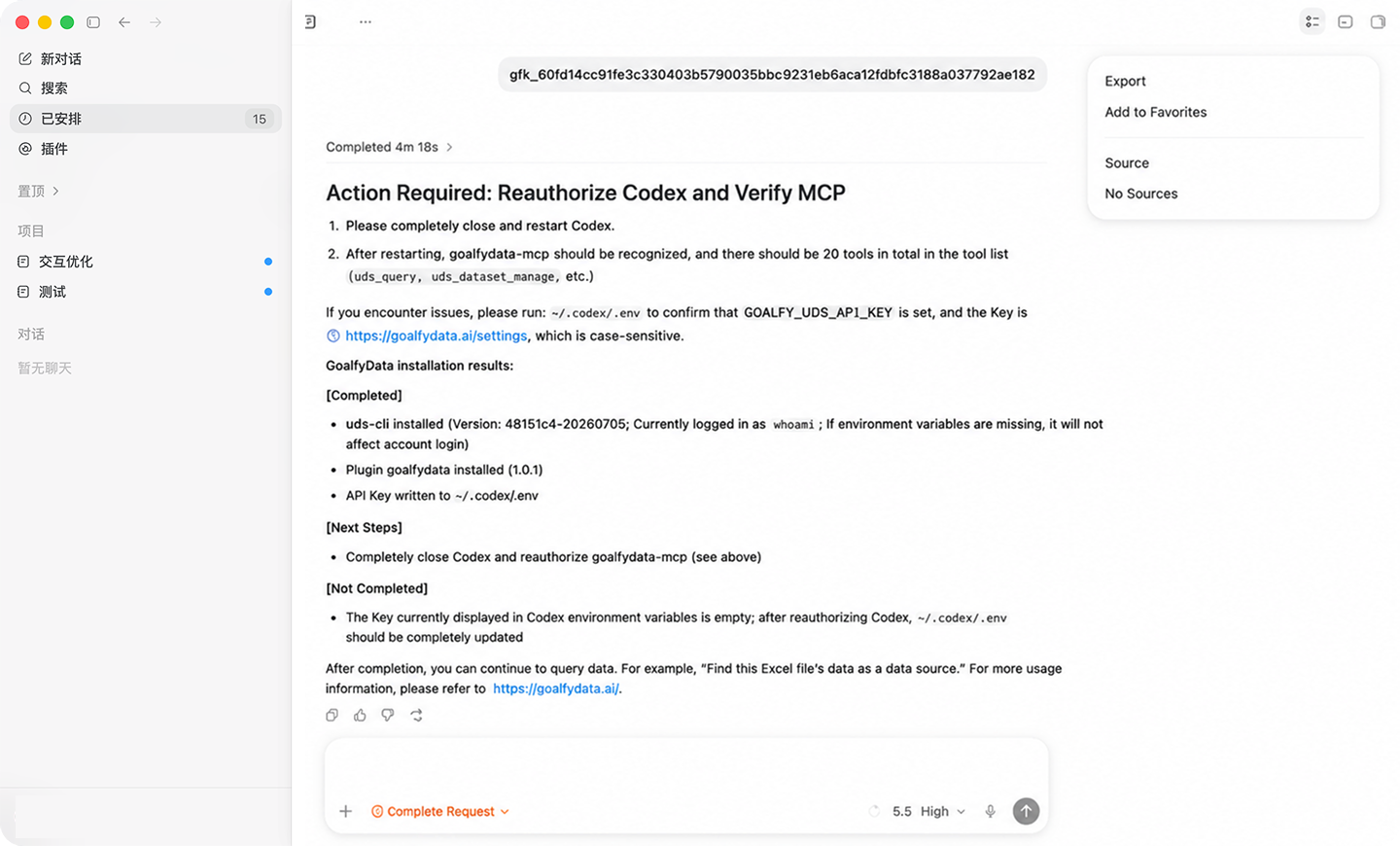
Complete Installation
Restart Codex after installation to start using it.